Interactive Dashboard. Filterable values: specific dates, muscle groups, date ranges, and specific exercises. Try clicking some values:
This is (in my opinion) the most impressive and time intensive visualization I have created. It is an interactive Tableau dashboard using my own personal workout data. You can find the direct link to the Tableau Public dashboard here. The Excel dataset can be found here. I used it to analyze my own strengths and flaws in my strength growth process. Click the rear upper muscle group to see an example of one of my flaws.
The Story
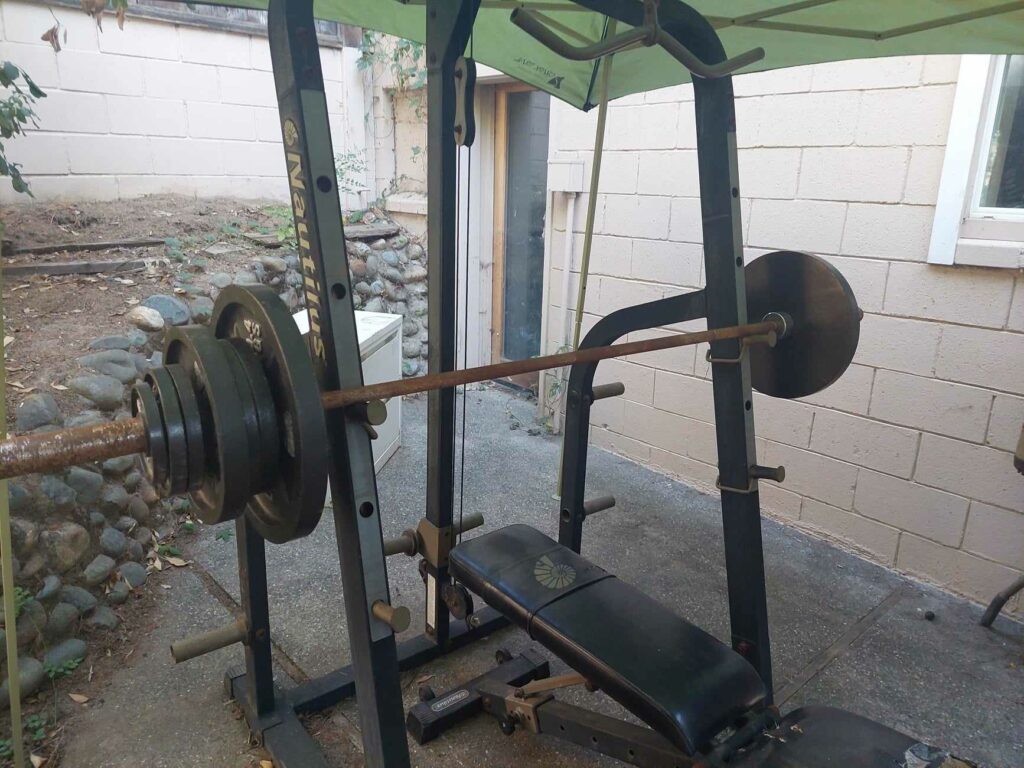
Some people call me hyper competitive, I am an avid lover of sports, games, and physical activities, but I have been struggling with injured disc and muscle spasms in my low back for a few years. This has prohibited me from pursuing my favorite hobbies like volleyball, rock climbing, and pretty much any sport. I took a few years off the sports to give my back time to recover, but I would reinjure it anyway. I finally came to the conclusion that resting and stretching was not enough, and my PT at the time also was not enough. So I took matters into my own hand and started a home workout routine, focusing mainly on mobility oriented movements. It was actually working, and as my back pain started to subside, I got more into the gym rat mentality and started documenting all my workouts.
Then I got a Garmin smart watch which helped me track even more data. I loved logging and looking at my day to day workout details, however while the Garmin Connect app associated with my smart watch had a lot of good information on tracking cardio, I was a little disappointed with the limited amount of useful information available to me on strength training activities. This was happening at the same time I was making a career change into data analysis, so I started this dashboard as a side project to develop my skills in an interesting and relevant way to my interests. As I continued researching and building my dashboard I have come to found that there is very little out there for tracking actual strength gained in the gym, so I plan to continue developing this project into a publicly available website / app for people to link their workout tracking data or upload it, ‘Sync their Strength‘ so to speak, so they can see their own absolute and relative strength progress in a beautiful display and adjust plans and goals accordingly. As I am not a web developer I expect it will take a while, but it is a project I am passionate about.
Process
- Question:
- How much actual strength have I gained since starting going to the gym
- How can I learn and utilize Tableau in a meaningful way
- Data collection:
- Hand logged workouts August 2022 – December
- Garmin Connect App gathered workout data via Garmin Venu 2 from December 2022 – July 2023
- Export partial data from Garmin Connect to CSV
- Export missing data fields from Garmin Connect mass export
- Input handwritten data into excel
- Merge the 3 data sets
- Clean, clean clean:
- dates
- filtered to check for errors
- number types
- exercise names
- accommodate bodyweight vs plate weight exercises
- condense overly specific exercise names for similar movements
- find and delete or fix incorrect numbers
- Excel formulas for several processes, including to correct several months of inaccurate barbell weight (was a 20lb barbell rather than conventional 45)
- Research: muscle groups, ways to measure strength, formulas for 1 rep max, available strength tracking options on market
- Process data:
- excel macros to:
- categorize exercises into their muscle groups, create new columns for this Boolean categorization
- help organize and summarize workouts by date (which I later found to be obsolete)
- Clean the original excel file more
- New fields for new calculations:
- total volume (reps * weight), muscle groups
- 1 rep max using Bryzycki formula
- Relative strength = 1RM/bodyweight
- excel macros to:
- Visualize in Tableau Public:
- Exploratory: create various graphs and charts to see what kind of information was available in the data
- Fine tune and compile the most useful worksheets into a dashboard
- Clean a bit more
- Filter all the worksheets by the appropriate fields for interactivity
- Create parameters and calculated fields for date range filtering
- Play with aesthetics to make it more visually appealing and fit the screen appropriately
Features
- Interactive Dashboard via Tableau
- Can filter data viewed by:
- Specific exercise
- Specific muscle group
- Specific date to see that day’s workout data
- Any date range
- Graphs total volume per workout over time, filterable by all factors listed above
- Graphs change in absolute strength as a function of your 1 rep max (1RM) using the Brzycki formula and the maximum 1RM value for the month
- Graphs change in relative strength as a function of 1RM / your weight
- List of key values that default show total stats for entire workout history, and values change based on any filtering options. Values include:
- Max relative strength and 1RM, total volume, # of sets, # of reps, max & average weight lifted
- Publicly accessible

Key Notes
The data displayed in this dashboard is my own personal workout data from August 2022 – July 2023. The first 5 months was logged by hand, and after that was logged with my Garmin smart watch and Garmin Connect app.
The 3 key ways to track strength are: measuring muscle mass, 1 rep max (the highest weight you are able to lift just one time), and total volume lifted. Well if my website I am in the process of developing kicks off I may add a section for measuring muscle size, but for my specific purposes using 2 of the 3 main strength tracking features would suffice. But more than that with this dashboard we can see our best days and worst days, we can see notes associated with those days, we can see progress in entire muscle groups as well as individual exercises. Or we can focus on a range of time, maybe you have workout periodization plan and want to see your progress during a specific phase or multiple phases, either way, you can see exactly what you want with this dashboard.
I chose to use the Brzycki formula (1 Rep Max = weight lifted / (36/(37 – reps))) because it is one of the top trusted 1RM formulas and also the most commonly used. I only applied this formula to sets of 10 or less reps, as it loses accuracy over 10 reps.
I had a lot of issues exporting the data en masse. I was only able to mass download overview data and things like heart rate for the whole workout. I had to go into each individual workout and copy paste the data into excel to get all the details I wanted. I tried writing Python code to do it for me, but failed on that front.
I also had lots of issues with date and time, as I wanted to do some calculations with my set durations since my watch collected that data. I did not end up doing that, though I did fix the core date / time issues.
I used my average body weight during this period, which did have a 10lb swing in each direction. That average was 183 pounds.
I grouped the muscle groups together according to this Fit Plan App article, which seemed like the simplest way to group them. I may do a more specific categorization system in the future, but I do like this system for generalized grouping. The muscle groups are as follows:
- FRONT UPPER (push muscles): triceps, anterior deltoids, pectoral
- REAR UPPER (pull muscles): biceps, traps, rhomboids, lats
- BACK: lateral deltoids, erector spinae
- CORE: abdominals, obliques
- LOWER (bum): glutes, hip flexors
- LEGS: quads, hamstrings, calves
Many exercises have primary muscles used along with secondary and tertiary muscles used for the lift. I used my best assessment on whether to include any secondary muscles into the grouping, and ignored tertiary muscles. I may give more detailed analysis of these secondary / tertiary muscle groupings in the future.
I had issues with accounting for dumbbell workouts, since sometimes I do single armed dumbbell workouts and other times I do dumbbells in each hand. So when I double dumbbell I would input the weight for 2 dumbbells.
In my time scouring the internet for similar products out there, I haven’t seen anything that suits the needs of bodybuilders and gym rats looking to analyze their gains that does a better job than what I have created. I still have some more additions I want to put in, but I think it has a lot of potential.